
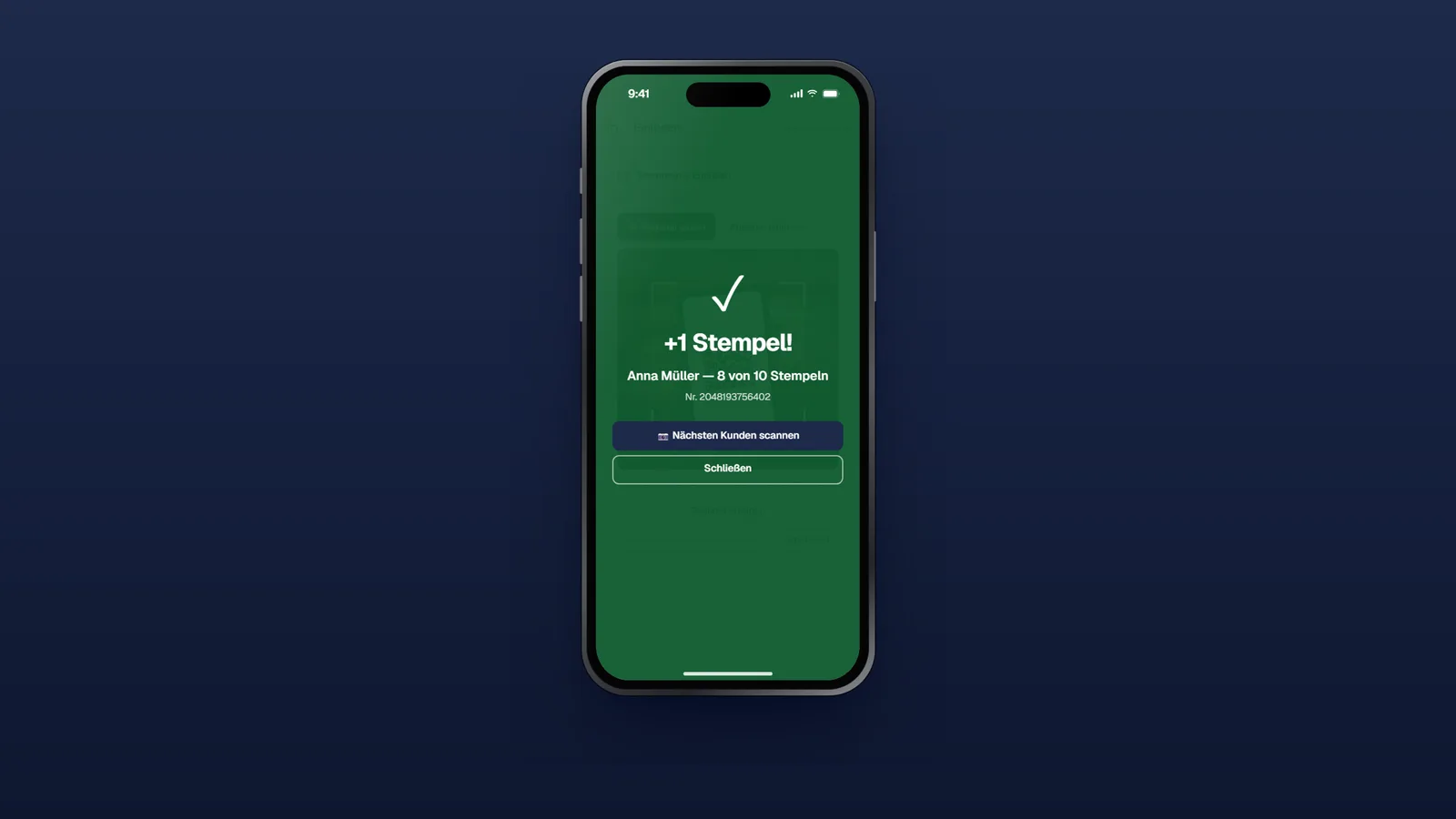
For a long time, digital loyalty cards seemed reserved for businesses with a modern POS and a proper integration. Not anymore: with the stamp scanner in the loyal portal, you award stamps with any device that has a camera and a browser — your staff’s smartphone, a tablet at the counter, the laptop at reception.
From scan to updated card
The flow is deliberately simple:
- Your customer shows their wallet card (Apple Wallet or Google Wallet) with its QR code.
- Your team opens the stamp scanner in the portal and scans the code — or types in the customer number instead.
- The stamp is credited, the confirmation appears on screen — and the card in your customer’s wallet updates in real time.
Once the card is full, redemption runs through the same scanner: confirm the reward, the card resets, your customer receives a confirmation email.


You stay in control
A scanner anyone can operate needs clear rules. You set them yourself in the portal:
- Separate accounts per location: Your staff get location logins and only stamp at their own location. The redemption history shows every reward with location and time.
- Daily limit: Optionally a maximum of one stamp per customer per day — useful for check-in campaigns and anywhere stamps aren’t tied to individual purchases.
- New customers at the counter: Your team can register customers right in the scanner — handy for anyone who prefers not to sign up themselves.
Stamp rules for every campaign mechanic
The scanner is only half the story. Behind it sits a rules engine that lets you control campaigns precisely — all self-service, every setting with an explainer and live demo:
- Collection window: Points expire automatically after X days — keeping the card binding (“10 visits in 30 days”).
- Challenge mode: The entire campaign has a fixed period; once it ends, the card shows “Challenge finished”.
- One-off campaign: After redemption, the card shows “Redeemed” instead of restarting — ideal for campaigns with exactly one reward per person.
- Registration stop: From your cut-off date, no new participants can join.
How collection windows and challenge mode work together is explained in Challenge cards: collection windows and stamp rules.
What if you do have a POS?
For businesses with a POS system, the REST API remains the direct route: generate and rotate API keys yourself in the portal — full documentation lives at docs.loyal-app.de. Scanner and API are not mutually exclusive: you can start with the scanner and connect your POS later.
Find all the details on the new stamp scanner product page. The scanner comes with the wallet module (from €50 a month) at no extra cost.