
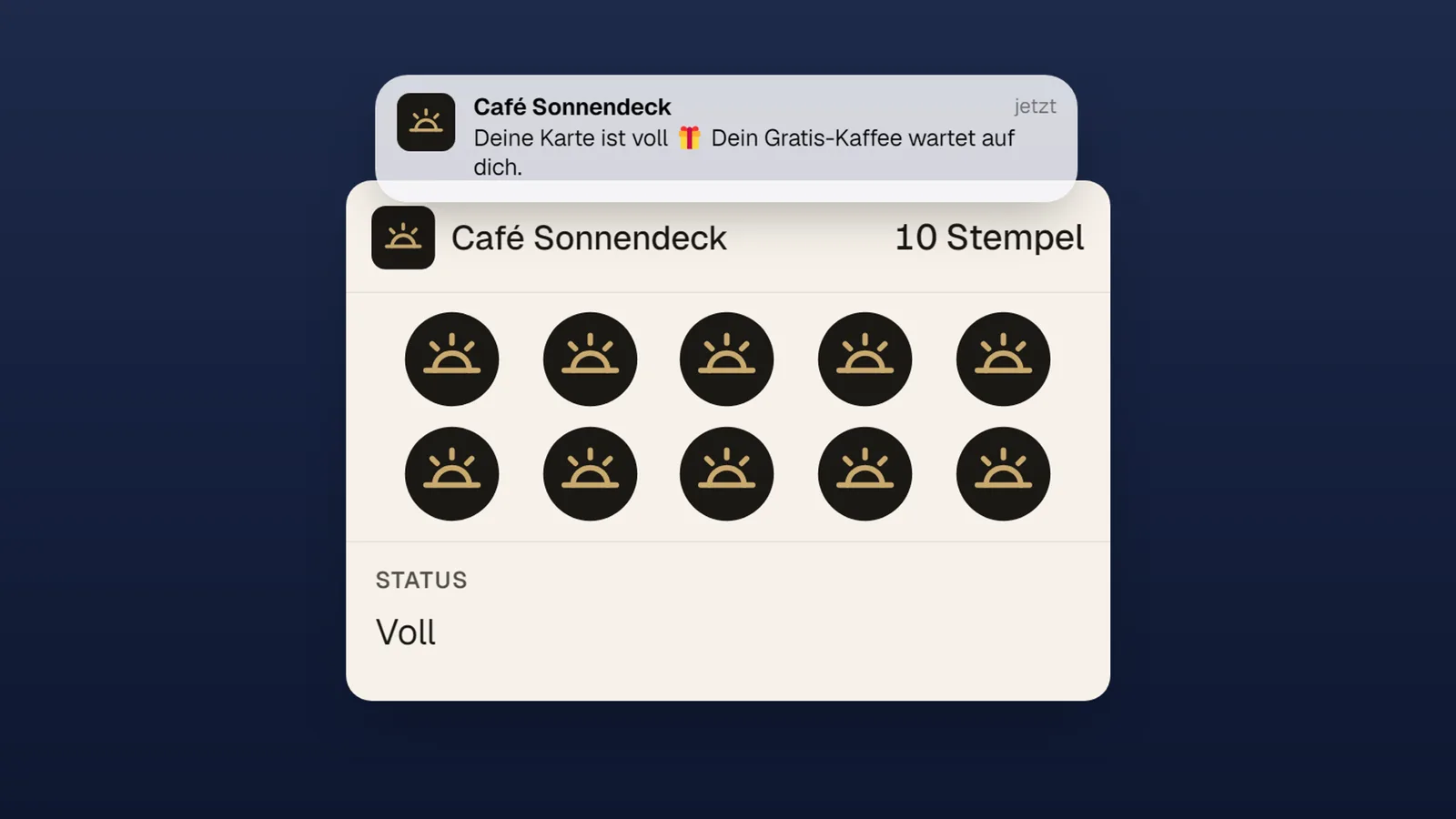
The 10-stamp card is a classic: collect ten stamps, redeem the reward, start over. But not every campaign follows that pattern. A sports club wants a check-in challenge with a fixed end date. A restaurant wants an opening special each guest can redeem exactly once. A café doesn’t want stamps hoarded for three years. For all of that there are now stamp rules — configurable right in the loyal portal.
The four new rule building blocks
1. Collection window (rolling). Points expire automatically after a period you choose — for example 30 days from each stamp. That turns the loyalty card into a binding promise: “10 visits in 30 days” motivates very differently than “10 visits, whenever”.
2. Challenge mode. The entire campaign gets a fixed period. The card in the wallet shows the challenge duration; whoever makes it redeems the reward — after the deadline, the card cleanly shows “Challenge finished”. Ideal for seasonal campaigns, opening weeks or club challenges.
3. One-off campaign. After redemption the card doesn’t restart — it permanently shows “Redeemed”. Double redemptions are blocked. Perfect for campaigns with exactly one reward per person — from the free opening-day drink to an anniversary special.
4. Registration stop. Don’t want your campaign to grow forever? From a cut-off date, the sign-up page stops accepting new participants — existing participants keep collecting as usual.
On top of that there’s the proven daily limit for the stamp scanner: optionally a maximum of one stamp per customer per day, keeping check-in campaigns fair.
A real-world pattern
Here’s what a complete challenge mechanic looks like — the kind a club or business sets up itself:
- 10-stamp card with a 30-day collection window — staying consistent wins.
- Daily limit 1 — one check-in counts per day.
- Challenge end at campaign close — afterwards the card shows the final state.
- Registration stop shortly before the end — latecomers with no realistic chance aren’t set up for frustration.
- Reward: redeemable once, with email confirmation.
Each of these settings is a switch in the portal — with an explainer and live demo next to it, so it’s immediately clear what the rule does on your customer’s card. No support ticket, no onboarding call required.
Combine them yourself
All stamp rules are part of the wallet module and can be combined freely. See how to award stamps without any POS system on the stamp scanner product page — and how the card gets into your customers’ wallets on wallet loyalty cards.